Content creation looks fun from outside.
People see one Reel, one thumbnail, one caption, one YouTube Short,
one Telegram post, and think it was easy.
But creators know the truth.
Ideas take time.
Scripts take time.
Editing takes time.
Captions take time.
Thumbnails take time.
Posting takes time.
And after all that, the post may still get low reach.
That feeling hurts.
This is why AI tools have become so important for creators in 2026.
Not because AI can replace creators.
It cannot.
But AI can help with the boring parts, the slow parts, and the
blank-page moments.
A creator still needs taste.
A creator still needs honesty.
A creator still needs real experience.
A creator still needs a real audience.
But the right AI tools can help you plan faster, design faster, edit
faster, repurpose faster, and stay consistent.
For creators using thebigpython.com, this matters even more.
Good content comes first.
Growth support comes after.
That is the better way.
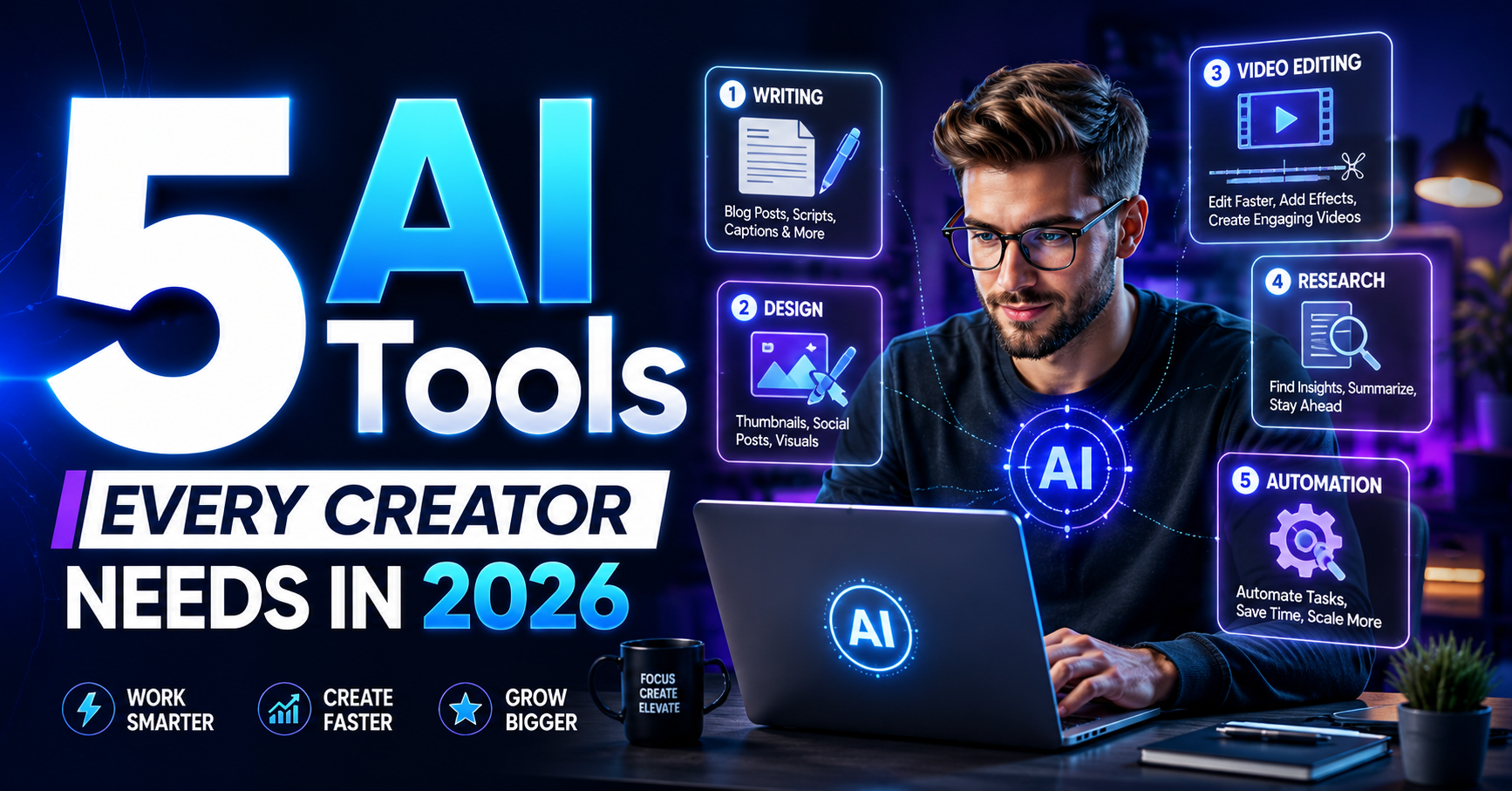
Quick Answer: What Are the 5
AI Tools Every Creator Needs?
The 5 AI tools every creator needs in 2026 are:
1. ChatGPT for ideas, scripts, captions, content calendars, and
brainstorming
1.
Canva AI for thumbnails,
carousels, posters, social posts, and brand visuals
2.
CapCut for short-form video
editing, captions, AI video help, and Reels or Shorts content
3.
Descript for podcast clips,
text-based video editing, captions, and repurposing long videos
4.
Notion AI for content planning,
workflows, swipe files, client notes, and team organization
These tools cover the full creator workflow.
Think.
Design.
Edit.
Repurpose.
Organize.
That is the system.
But remember one thing.
AI can speed up content.
It cannot replace your real story.
Why Creators Need AI Tools in
2026
The creator market is crowded now.
Very crowded.
Instagram Reels are everywhere.
YouTube Shorts are everywhere.
Telegram channels are growing.
LinkedIn creators are posting daily.
Small businesses are making videos.
Students are starting pages.
Agencies are managing clients.
Everyone is creating.
So the real challenge is not only making content.
The challenge is making content consistently without burning out.
AI tools help creators reduce repeated work.
They can help you:
·
Write hooks faster
·
Create captions faster
·
Design thumbnails faster
·
Edit videos faster
·
Remove filler words
·
Add subtitles
·
Plan content calendars
·
Turn one idea into many posts
·
Track content ideas
·
Manage client workflows
But AI tools should not be used blindly.
If every creator uses the same prompts, the content starts sounding
the same.
That is the danger.
Use AI for speed.
Add human voice for trust.
The 5 AI Tools Every Creator
Needs
|
Tool |
Best Use |
Best For |
|
ChatGPT |
Ideas, scripts, captions, planning |
Creators, students, marketers |
|
Canva AI |
Designs,
thumbnails, posters, carousels |
Instagram,
YouTube, small businesses |
|
CapCut |
Short-form video editing and captions |
Reels, Shorts, TikTok-style videos |
|
Descript |
Repurposing
videos and podcasts |
Podcasters,
YouTubers, educators |
|
Notion AI |
Content calendar and workflow system |
Solo creators, agencies, teams |
This is the simple stack.
You do not need 50 tools.
You need the right 5.
1. ChatGPT: For Ideas,
Scripts, Captions, and Planning
ChatGPT is the first tool most creators should learn properly.
Not because it writes perfect content.
It does not.
But it helps you think faster.
You can use ChatGPT for:
·
Reel ideas
·
YouTube Shorts scripts
·
Caption drafts
·
Blog outlines
·
Hook variations
·
FAQ ideas
·
Content calendars
·
Video titles
·
Storytelling angles
·
Client proposal drafts
·
Content repurposing
ChatGPT can also help with image generation and visual brainstorming
depending on the plan and features available in your account. OpenAI describes
ChatGPT as a tool for exploring ideas, solving problems, learning faster,
creating images, and working with uploaded files.
How creators should use it:
Do not ask, “Write me a caption.”
That gives average content.
Ask better.
Example prompt:
“Write 10 Instagram Reel hooks for a small gym owner in Guwahati who
wants local clients. Keep the tone simple, emotional, and not too polished.”
That is better.
Good input gives better output.
Creator use case:
A creator can use ChatGPT to turn one topic into:
·
5 Reel hooks
·
1 caption
·
1 carousel outline
·
1 Telegram post
·
1 YouTube Shorts script
·
1 blog idea
That saves time.
But edit it.
Always.
Your voice should stay yours.
2. Canva AI: For Thumbnails,
Carousels, and Social Designs
Most creators need design.
But not every creator is a designer.
That is where Canva AI helps.
Canva’s AI and Magic Design tools help users generate editable
designs, layouts, and creative assets from text or media, which makes it useful
for creators who need quick social visuals.
You can use Canva AI for:
·
Instagram carousels
·
YouTube thumbnails
·
Reel covers
·
Posters
·
Story templates
·
Brand kits
·
Presentation slides
·
WhatsApp flyers
·
Lead magnets
·
SMM panel blog covers
For creators, design speed matters.
A strong thumbnail can change the click.
A strong carousel cover can improve saves.
A clean poster can make a local business look more trustworthy.
But do not use random templates blindly.
Add your brand colors.
Add your logo.
Keep text readable.
Use clear spacing.
Make the design easy to understand on mobile.
TheBigPython use case:
For thebigpython.com, Canva-style visual planning can help create
blog thumbnails for topics like:
·
Affordable SMM Services
·
Top SMM Panel 2026
·
No-Password SMM Panel India
·
Automated Social Media Panel
·
How Does an SMM Panel Work?
Every blog should have a visual identity.
That builds brand memory.
3. CapCut: For Reels, Shorts,
Captions, and Fast Editing
CapCut is useful for creators who make short-form videos.
Reels.
Shorts.
TikTok-style clips.
Story videos.
Ad creatives.
Explainer videos.
CapCut’s official pages describe AI tools for video generation, AI
voiceovers, scriptwriting, scene generation, editing, and automatic subtitles
that convert spoken words into synchronized text.
That matters because captions are no longer optional.
Many people watch videos without sound.
If your video has no subtitles, you may lose attention.
CapCut can help with:
·
Auto captions
·
Video trimming
·
Text overlays
·
AI video generation
·
Voiceovers
·
Templates
·
Scene edits
·
Short-form video formatting
Creator use case:
Record a 60-second talking video.
Use CapCut to add captions.
Cut dead pauses.
Add text highlights.
Export for Instagram Reels and YouTube Shorts.
Simple.
Fast.
Useful.
But do not over-edit every video.
Too many effects can make content feel cheap.
Clarity first.
Effects second.
4. Descript: For Repurposing
Long Videos and Podcasts
Descript is powerful for creators who make long videos, podcasts,
interviews, tutorials, or screen recordings.
Its official site explains that Descript lets users record,
transcribe, edit, and publish in one tool, with video editing that works like
editing text. It also supports captions and AI clip creation from longer
videos.
This is useful because one long video can become many short pieces.
For example:
One 30-minute podcast can become:
·
5 Shorts
·
3 Reels
·
2 LinkedIn posts
·
1 blog outline
·
1 Telegram discussion post
·
1 carousel
That is smart repurposing.
Creators should stop making every post from zero.
Use one strong idea in many formats.
Descript helps with:
·
Text-based editing
·
Transcripts
·
Podcast editing
·
Removing filler words
·
Captions
·
Clips from long videos
·
Screen recordings
·
Audio cleanup
Creator use case:
A YouTuber can record one full tutorial, then use Descript to find
the best moments and turn them into short clips.
This saves hours.
And for solo creators, hours matter.
5. Notion AI: For Content
Planning and Workflow
Many creators do not fail because they lack ideas.
They fail because they are not organized.
Ideas are in WhatsApp.
Captions are in Notes.
Client details are in Gmail.
Content plans are in memory.
Post dates are forgotten.
That becomes messy.
Notion positions itself as an AI workspace with built-in agents,
search across apps, and busywork automation, making it useful for organizing
work, tasks, content, and team systems.
Creators can use Notion AI for:
·
Content calendars
·
Daily workflow
·
Client notes
·
Swipe files
·
Script banks
·
Hook libraries
·
Blog outlines
·
Brand voice notes
·
Posting checklist
·
Team SOPs
·
Campaign planning
TheBigPython use case:
For thebigpython.com, Notion-style planning can help manage:
·
Blog pipeline
·
SEO keywords
·
Image requests
·
Internal links
·
Publishing status
·
Schema checklist
·
GSC inspection status
·
Content refresh dates
A creator without a system will eventually feel tired.
A creator with a system can keep moving.
The Best AI Tool Stack by
Creator Type
|
Creator Type |
Best Tool First |
Why |
|
Beginner creator |
ChatGPT |
Helps with ideas and captions |
|
Instagram
creator |
Canva AI +
CapCut |
Covers visuals
and short videos |
|
YouTuber |
ChatGPT + Descript |
Covers scripts and repurposing |
|
Podcaster |
Descript |
Turns long
content into clips |
|
Small business owner |
Canva AI + ChatGPT |
Posters, captions, offers |
|
Solo social
media manager |
Notion AI |
Keeps workflow
organized |
|
SMM panel brand |
ChatGPT + Canva + Notion |
Blogs, thumbnails, planning |
Do not buy every tool at once.
Start with what solves your biggest problem.
No ideas?
Start with ChatGPT.
Bad designs?
Start with Canva.
Slow editing?
Start with CapCut.
Long videos wasting time?
Start with Descript.
Messy planning?
Start with Notion.
How to Use AI Tools Without
Losing Your Real Voice
This is important.
AI tools can make content faster.
But they can also make content boring.
If every caption sounds polished, safe, and generic, people stop
feeling anything.
So before publishing AI-assisted content, add:
·
One real example
·
One personal line
·
One clear opinion
·
One local detail
·
One audience-specific point
·
One human sentence
·
One clear CTA
For example, instead of saying:
“AI tools can improve your productivity.”
Say:
“If you are editing Reels at 1 AM and still have to write tomorrow’s
caption, AI can save your brain a little.”
That feels more human.
That is better.
AI Tool Workflow for One
Content Idea
|
Step |
Tool |
Action |
|
1 |
ChatGPT |
Create 10 hooks and script ideas |
|
2 |
Canva AI |
Design
thumbnail or carousel |
|
3 |
CapCut |
Edit short video with captions |
|
4 |
Descript |
Repurpose long
video into clips |
|
5 |
Notion AI |
Save idea, schedule post, track result |
This is a complete workflow.
One idea becomes many assets.
That is how creators save time.
Where TheBigPython Fits
AI tools help creators create.
But after content is ready, creators still need visibility.
That is where thebigpython.com can fit carefully.
A creator may ask:
How do I get early views?
How do I make my Reel look active?
How do I support a YouTube Short?
How do I grow a Telegram channel?
Do I need to share my password?
How do I track my order?
These are real questions.
For users, thebigpython.com can support:
·
Public-link ordering
·
Affordable SMM services
·
Instagram growth support
·
YouTube visibility support
·
Telegram channel support
·
Order tracking
·
Indian payment guidance
·
Support tickets
·
API/reseller guidance
·
Helpful blogs
But the rule stays simple.
Create better content first.
Then use growth support carefully.
Read service notes.
Use public links.
Start small.
Track results.
Keep improving.
East or West, thebigpython.com is the best, but only when users feel guided first.
Safety Note
Do not use AI tools to fake proof.
Do not create fake testimonials.
Do not steal another creator’s work.
Do not use AI to spam comments.
Do not make false income claims.
Do not promise guaranteed viral growth.
Do not publish health, finance, or legal advice without proper
expertise.
AI should help you create better content.
Not fake content.
That is the difference.
FAQ
What are the best AI tools for creators in 2026?
The best AI tools for creators include ChatGPT for ideas and
scripts, Canva AI for designs, CapCut for short videos, Descript for
repurposing, and Notion AI for planning.
Which AI tool is best for Instagram creators?
Canva AI and CapCut are very useful for Instagram creators because
they help with Reel covers, carousels, captions, and short-form video editing.
Which AI tool is best for YouTube creators?
ChatGPT helps with scripts and titles, while Descript and CapCut
help with editing, captions, and short clips.
Can AI tools replace creators?
No. AI tools can help with speed and structure, but creators still
need real ideas, personality, audience understanding, and trust.
Can I use AI tools for SMM panel content?
Yes. You can use AI tools for blog outlines, hooks, captions,
service guides, thumbnails, and FAQs, but the final content should be checked
by a human.
Do AI tools help organic reach?
They can help if they improve hooks, consistency, design, editing,
and planning. But generic AI content can hurt engagement if it feels boring or
copied.
Should beginners pay for all AI tools?
No. Beginners should start with one or two tools based on their
biggest problem. Do not buy everything at once.
How does thebigpython.com fit into creator growth?
thebigpython.com can help creators after content creation by
offering social media growth support, public-link ordering, order tracking,
payment guidance, and helpful SMM panel guides.
Conclusion
AI tools are not magic.
But they are useful.
A creator who uses AI properly can save time, stay consistent, and
create better content without burning out.
Use ChatGPT to think faster.
Use Canva AI to design faster.
Use CapCut to edit short videos faster.
Use Descript to repurpose long content.
Use Notion AI to stay organized.
But do not lose your real voice.
That is the main point.
AI can help with structure.
You bring the soul.
If you are using thebigpython.com for growth support, use the same
mindset.
Make good content first.
Read the notes.
Use public links.
Start small.
Track every result.
Keep improving.
By God’s grace, with better tools, honest content, and smart
support, creators can grow with more clarity and less stress.